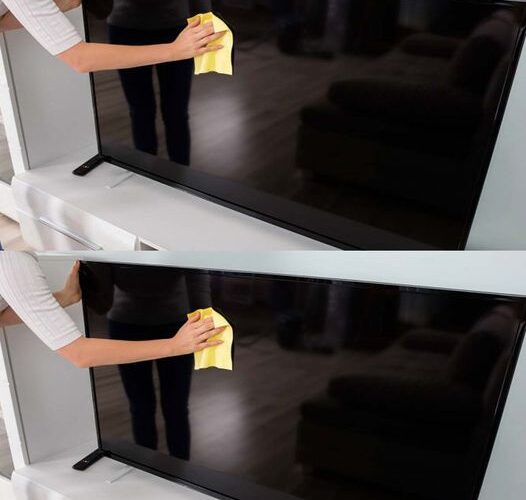
Cleaning your TV screen is essential to maintain its clarity and overall performance. However, it’s important to do it properly to avoid damaging the delicate screen. Follow these simple steps to clean your TV safely and effectively:
- Turn Off the TV and Unplug It
Before you start cleaning, always turn off the TV and unplug it. This prevents any accidental damage and allows you to see the dust and fingerprints clearly. - Use a Microfiber Cloth
Always use a soft, microfiber cloth to wipe the screen. Avoid using paper towels or other rough materials, as they can scratch the surface. - Gentle Wiping
Gently wipe the screen in a circular motion to remove dust, fingerprints, and smudges. Don’t press too hard to avoid damaging the screen. - Use a Cleaning Solution (Optional)
If there are stubborn spots, lightly dampen the cloth with a mixture of water and a small amount of gentle dish soap or a cleaner specifically designed for screens. Never spray the solution directly onto the screen; always apply it to the cloth first. - Dry the Screen
After cleaning, use a dry section of the microfiber cloth to buff the screen and remove any remaining moisture.
By following these steps, your TV screen will be sparkling clean and ready for your next movie night!
If you found these tips helpful, don’t forget to like and share this post with your friends! Let’s keep our screens clean and clear!